- How do I split a Midjourney grid into individual images?
- Drop your grid image onto Board-Chop. It auto-detects the grid layout (2×2, 3×2, 4×2 and more), cuts each cell into a separate image, and lets you download the frames — free, in your browser, with no account required.
- Is there a free Midjourney grid splitter?
- Yes. Board-Chop is a free Midjourney grid splitter that runs in your browser. Drop in a 2×2 Midjourney grid and it cuts each quadrant into a clean, separate image you can download at once. There is no account, no upload to a server, and no watermark on the frames.
- How do I split an AI image grid into separate images for free?
- Open Board-Chop, drop your AI image grid onto the dropzone, and it detects the cells and slices each one into its own image. Select the frames you want and download them. It is free with no sign-up, and the whole split happens on your device so nothing is uploaded.
- How do I turn a 4-up grid into individual images?
- A 4-up grid is a 2×2 layout of four images in one file. Board-Chop reads that layout automatically, cuts it into four separate images, and lets you download all four or just the ones you pick. It also handles 3×2, 4×2, and other regular grids the same way.
- Is Board-Chop really free with no sign-up?
- Yes. Uploading, auto-detecting the grid, slicing, and downloading your frames are completely free and require no account. Nothing leaves your device — the splitting happens entirely in your browser.
- What kinds of image grids does it work on?
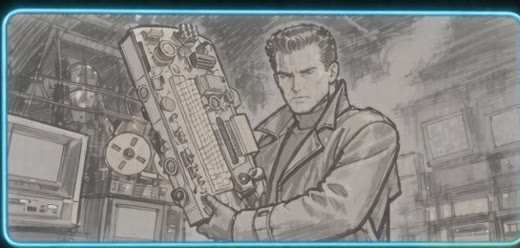
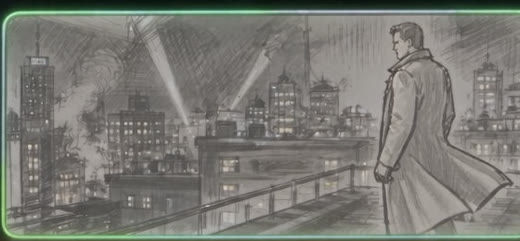
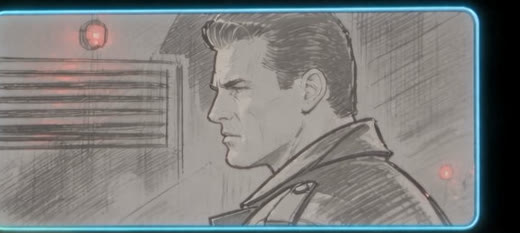
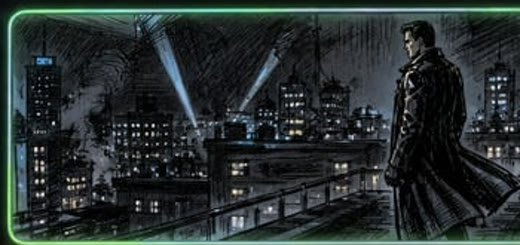
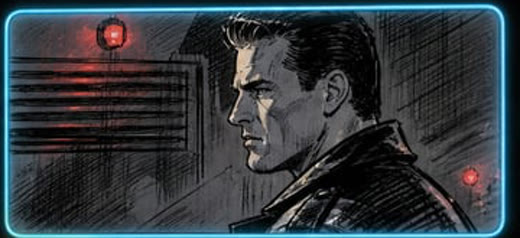
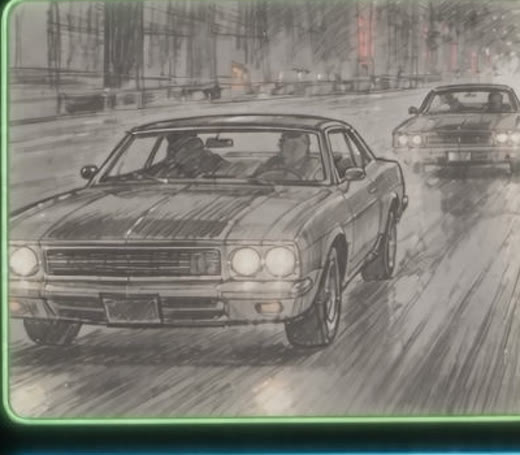
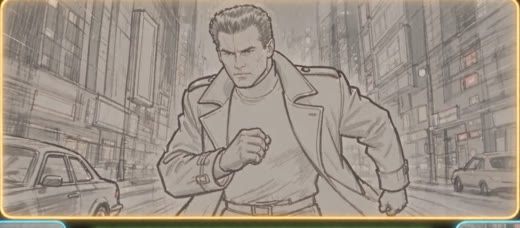
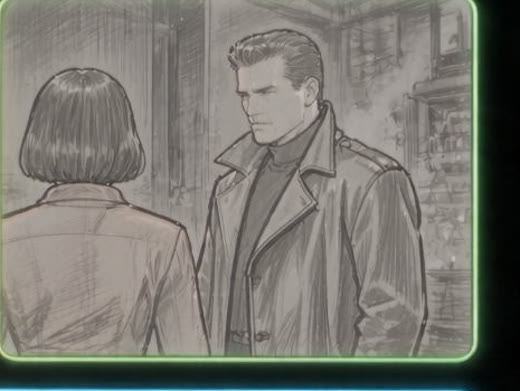
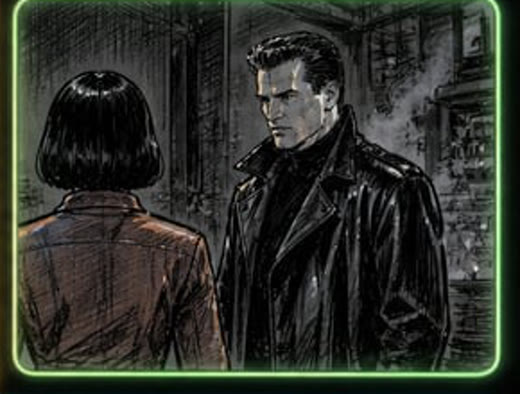
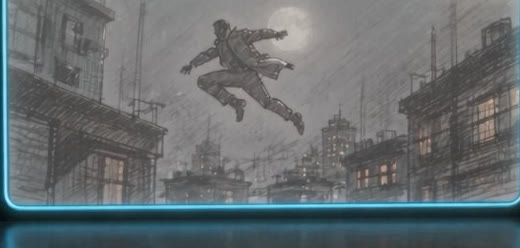
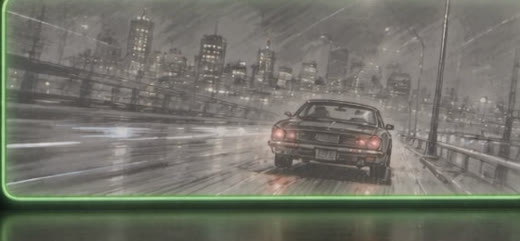
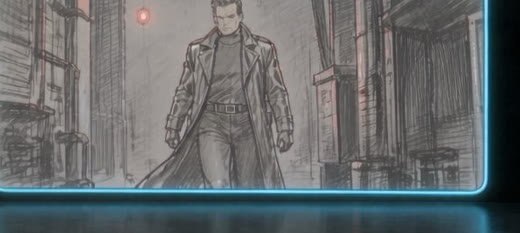
- Board-Chop works on any regular grid: Midjourney and DALL·E grids, contact sheets, and multi-panel storyboards. It reliably detects common layouts like 2×2, 3×2, and 4×2, including grids with dark or thin gutters.
- Does it work on mobile?
- Yes. Board-Chop runs in any modern mobile browser. Tap the dropzone to choose a grid from your photos, let it detect the cells, then pick and download the frames you want. There is no app to install and no account to create.
- What can I do with the frames after splitting them?
- Download them for free, or take one further inside FXI Studio: animate a frame into a moving shot in Director, generate variations, or save your frames to a library. Those creative actions are where a free account and credits come in.